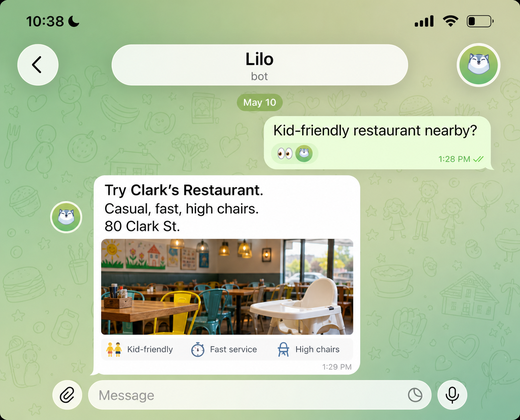
Find dinner nearby
Get a practical recommendation when you're out with kids, friends, or a stroller.
 Lilo
Lilo
Free on Telegram
Track meals, capture TODOs, find dinner nearby, pull up old receipts, follow live scores. Lilo handles the small stuff so you don't have to.
Free. No app to install. Set up in under a minute.
Everyday help
Ask in plain English. Lilo figures out the helpful next step.
Get a practical recommendation when you're out with kids, friends, or a stroller.
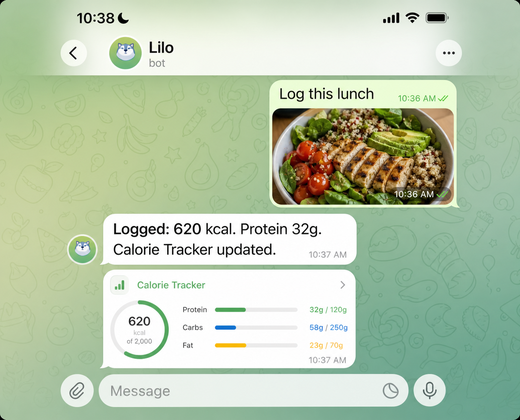
Send a food photo and let Lilo keep your meal log up to date.
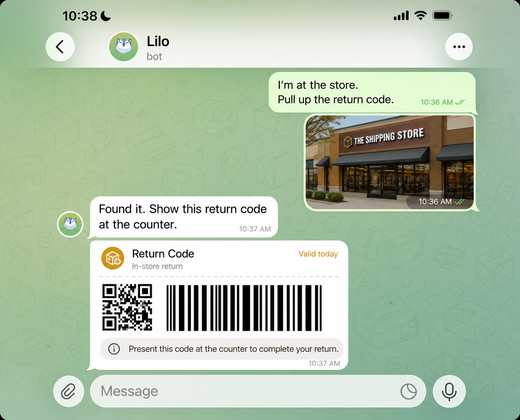
Find return codes, receipts, and order details right when you need them.
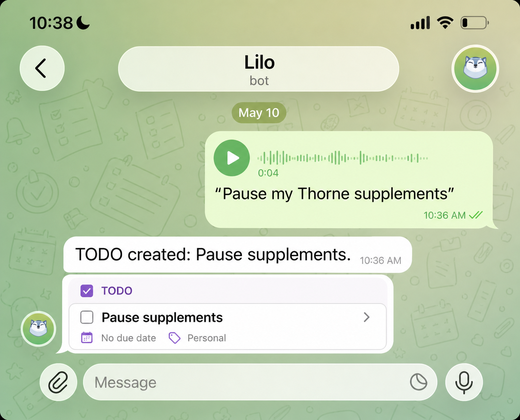
Voice note a task on the go and Lilo turns it into something you won't forget.
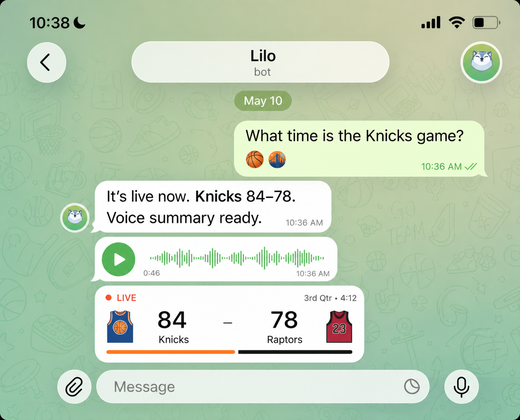
Ask for summaries, score updates, and reminders while something is happening.
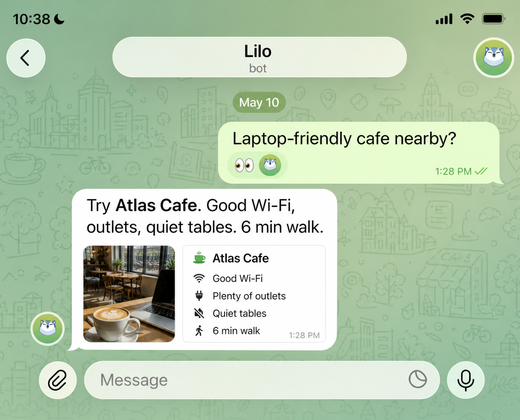
Ask for laptop-friendly cafes nearby with outlets, seating, and walking time.
Where you already chat
Telegram is the easiest way to start. Lilo also replies on WhatsApp, by email, and on the web.
How it works
Use your phone camera to open Lilo directly in Telegram.
Telegram launches the bot and Lilo walks you through a quick setup.
Ask for dinner ideas, calorie tracking, TODOs, return codes, or reminders.
Start here
Point your phone camera at the QR code, open Telegram, and tap Start. Lilo will help you finish setup in chat.
Open in TelegramThat's it. Lilo won't message you unless you message it first.